



















How to Create a Barcode
To create a barcode online using the free barcode generator, pick a symbology, enter your item number and export the image.
There are four simple steps:
- Choose a symbology: Use Code 128 or Code 39 for internal inventory, because both encode any letters and numbers you assign.
- Enter your data: Type the SKU, asset ID or location code you want the barcode to hold.
- Export the image: Download an SVG for print or a PNG for screens. SVG stays sharp at any label size, which matters for warehouse racks and bulk runs.
- Print, apply and scan: Print the barcode on a durable label, apply it to the item, then scan it into your inventory or asset-tracking system to link the item to its record.
How to Pick the Right Barcode Symbology
Barcodes are scanned more than 10 billion times a day, according to GS1, and this free online barcode generator exports those same symbologies as print-ready PNG, SVG or PDF files in seconds.
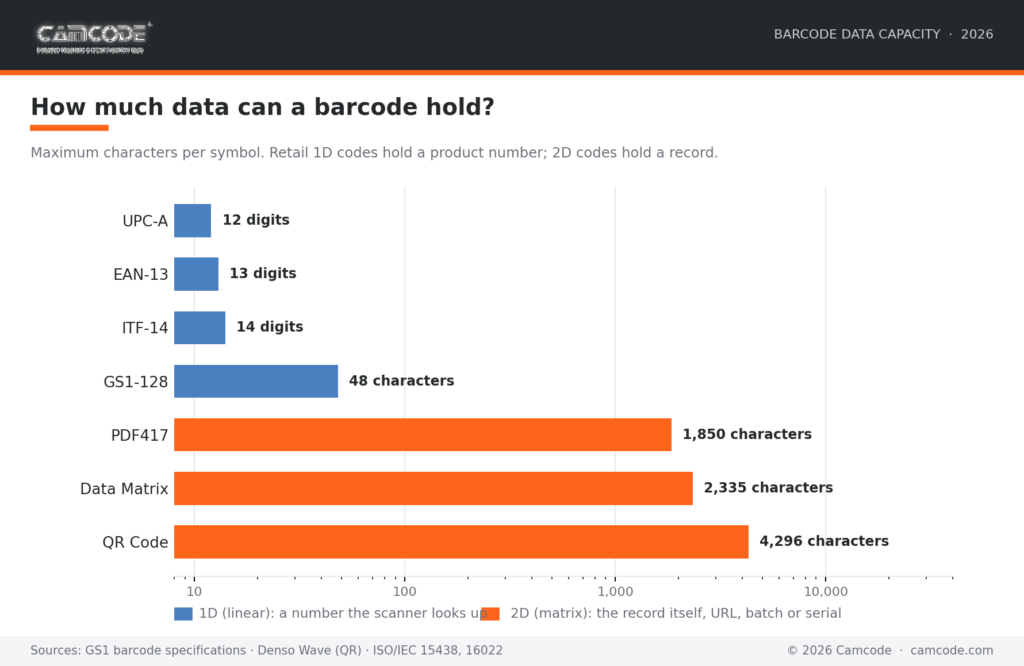
Picking a symbology comes down to one question: how much data does the code need to carry? Retail formats like UPC-A hold just 12 digits, enough for a product number the checkout system looks up. 2D formats carry the record itself: a QR code stores up to 4,296 characters, room for a URL, serial number or maintenance history on a single label.
The chart below compares the maximum capacity of the most common formats this free online barcode generator creates.

Need Barcode or QR Code Labels?
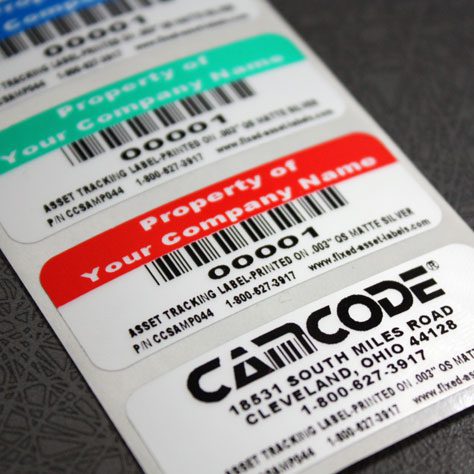
Camcode is a developer and manufacturer of customized, durable asset tracking labels and automatic data capture tracking solutions for applications where permanent identification is critical. For more than 45 years we have built tracking solutions for asset, facility, maintenance and warehouse management projects. Contact us now to see how you can start tracking better today.
A Worldwide Leader in Durable Labels
The makers of labels that go anywhere.
From your utility box to outer space, Camcode’s durable pre-print barcode labels track millions of assets and locations across the globe.
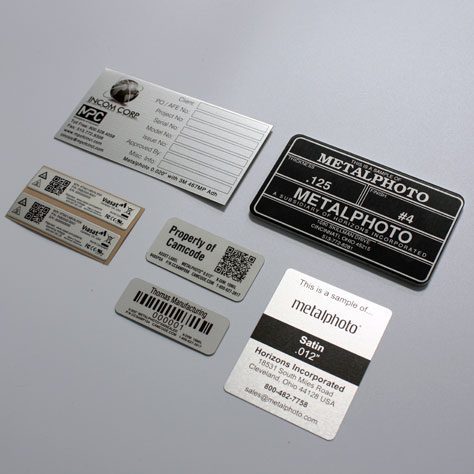
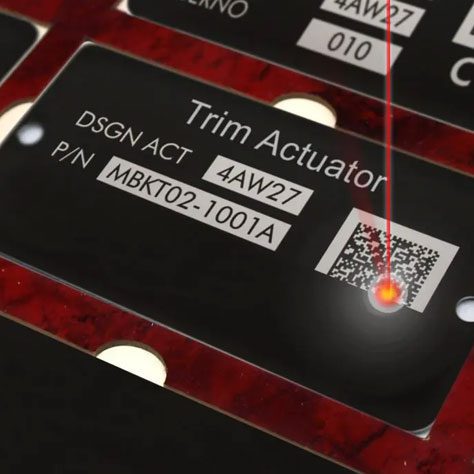
Why do you need durable labels? Camcode’s asset tags improve the efficiency of asset tracking systems by eliminating human error. Our proprietary manufacturing processes and coating technologies offer the ultimate durability for practically every application.


Asset Tags Made Specifically for Your Application
Camcode has the experience to provide the right labels for any application. Learn more about our label offerings for your industry, or Contact Us to get help from one of our experienced sales engineers now.
Barcodes Are Going 2D: What Sunrise 2027 Means
Retailers have set 2027 as the target for accepting 2D barcodes such as QR codes at checkout, the 2D barcode transition GS1 US calls Sunrise 2027. The shift is consumer-driven: in a 2025 GS1 US survey, 79% of consumers said they are more likely to buy a product whose QR code offers extra product information and 62% said they would pay more for it.
As Bob Carpenter, President and CEO of GS1 US, put it when the UPC turned 50:
“While we honor the legacy of the iconic UPC barcode over the last half-century, we must support today’s digital world characterized by elevated consumer expectations and increasingly complex supply chains.”
– (Bob Carpenter, President and CEO, GS1 US. GS1 US press release, June 2024)
The brands printing the labels agree:
“Consumers demand more information about products they’re purchasing, regulators require disclosure of more information and there’s an ongoing need to more effectively track and trace products through the supply chain. We can resolve this with 2D barcodes with GS1 standards inside.”
– (Jon R. Moeller, Chairman, President and CEO, Procter & Gamble. GS1 US, Sunrise 2027)
UPC and EAN remain required at retail today, but generating a QR code or Data Matrix alongside them prepares your packaging and labels for the transition.
Frequently Asked Questions
Yes. Camcode’s online barcode generator is free with no account and no watermark. You can create and download unlimited barcodes in 27 formats. Registration is only ever needed with GS1, and only if you are creating retail UPC or EAN numbers that scan at a store checkout.
Our free barcode generator supports 27 formats spanning both 1D (linear) and 2D symbologies. Common 1D options include UPC, EAN, Code 128, Code 39, Codabar and ITF, which are widely used for retail products, inventory and logistics. On the 2D side, you can generate QR codes, Data Matrix and PDF417, which pack far more data into a smaller space and are common in manufacturing, healthcare and shipping.
Once you’ve generated your barcode, you can download it as a PNG, SVG or PDF for printing or digital use.
Yes, but with limits. Excel doesn’t generate barcodes on its own. You either install a barcode font (which works for simple linear types like Code 39 but requires manually adding start/stop characters and often breaks with formats that need a checksum) or you build a formula/macro workaround.
Neither reliably handles 2D codes like QR or Data Matrix, and results can vary by printer and scanner. If you just need a clean, scannable barcode without the setup, it’s faster to use our free online barcode generator: type in your data, pick a format and download it as a PNG, SVG or PDF you can drop straight into Excel, Word or a label template.
Amazon FBA accepts either an FNSKU label from Seller Central or a manufacturer barcode (UPC/EAN) tied to a GS1 number. You can generate the Code 128 FNSKU or the UPC here once you have the number from Amazon or GS1. Amazon does not accept made-up UPCs for new listings.
You can download every barcode as a PNG, SVG or PDF with our online barcode generator. Use SVG for print and label artwork, because it stays sharp at any size. Use PNG for screens, slides or email. Use PDF when you need a ready-to-print page.
You can create your own barcodes for internal use, for asset tags, inventory, equipment and location labels. To do so, encode any number or ID you choose into a symbology like Code 128 or Code 39. Our free barcode generator lets you enter your own data and produce a scannable code in seconds.
The one exception is retail: UPC and EAN codes sold through stores must use a company prefix registered with GS1, so those can’t simply be made up. For everything inside your own operation, though, you’re free to define your own numbering scheme and generate matching barcodes.
Use UPC or EAN barcodes when products sell through retail and need a globally unique GS1 number. Use QR codes or Data Matrix when you need to store more than a product number, such as a URL, batch, serial or maintenance record.
A UPC-A barcode holds 12 digits and scans fast at a point of sale. A QR code holds thousands of characters and scans from a phone camera at any angle, which suits asset tags, equipment labels and work-order links.
For internal inventory that never touches a retail checkout, Code 128 is often the better linear choice, because it packs more data into less width than UPC.
Our online barcode generator is free. This barcode generator creates unlimited UPC, EAN, Code 128, QR and Data Matrix codes at no cost, with no account. Cost only enters when you register retail numbers or buy label software.
A single GS1 GTIN (one retail UPC or EAN number) is a $30 one-time license, and a GS1 Company Prefix for up to 10 products starts at $250 plus a $50 annual renewal. Desktop label software such as BarTender now sells by subscription, from $199 per year for the Starter edition to $299 per year for Professional, for advanced, regulated printing.
For internal asset, equipment and inventory labels you assign your own numbers and pay nothing.
To assign barcode numbers for internal use, choose a numbering scheme and encode each number into Code 128 or Code 39. For assets and equipment, use a sequential asset ID or an existing SKU.
For retail products that scan at a store checkout, you cannot make up the number: buy a GS1 company prefix and assign each product a unique UPC or EAN within that prefix.
For everything inside your own warehouse or facility, you are free to define your own numbers and generate matching barcodes.
The best free barcode generator in 2026 is the one that covers every symbology you need, exports vector files and does not lock downloads behind an account. Camcode’s free online barcode generator creates 27 types across 1D and 2D. It exports PNG, SVG and PDF and adds no watermark.
Retail-focused tools often stop at UPC and QR codes; industrial users also need Code 128, Code 39, Data Matrix and GS1-128, which this generator includes. Inventory platforms such as Zoho and inFlow bundle barcode generation with stock records, and regulated label printing runs on desktop software such as BarTender from about $199 per year.
This free barcode generator creates one barcode at a time; it does not batch-process a bulk upload from a spreadsheet. For a short bulk run, generate each code as an SVG and drop the files into a label template in Word or Excel. For bulk barcode generation at real scale, hundreds or thousands of sequential codes, printing becomes the constraint rather than generation: consumer printers drift out of spec and codes stop scanning.
Camcode pre-prints durable barcode labels with sequential numbering for exactly this case, on materials built for abrasion, chemicals and outdoor exposure.
Export the SVG, print at 100% scale and keep a quiet zone (blank margin) of at least 10 times the narrow-bar width at both ends. Printing barcodes on labels for products works best at 300 dpi or higher, where bar edges stay crisp at typical label sizes. Test-scan every new label size before a full run, and if a barcode fails, print it larger rather than denser.
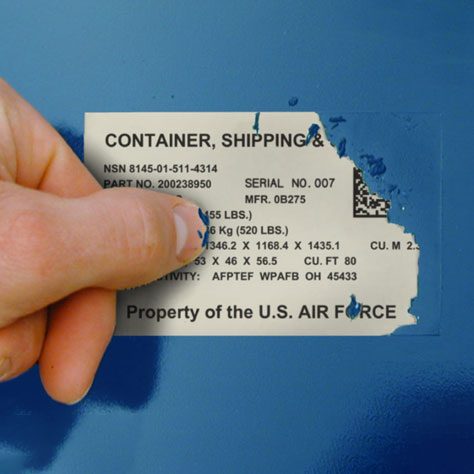
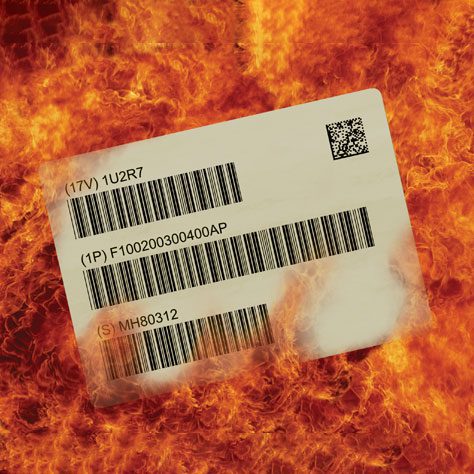
Product labels printed on paper fade and tear under abrasion, chemicals and sunlight; barcode labels for equipment and outdoor assets belong on durable materials such as anodized aluminum or polyester.
UPC-A encodes 12 digits and is the standard retail barcode in the United States. EAN-13 encodes 13 digits and serves the same role internationally, and every UPC-A can be read as an EAN-13 with a leading zero. Code 128 encodes letters and numbers at variable length, which makes it the usual choice for internal inventory, logistics labels and shipping cartons rather than retail checkout.
If your product sells in stores, use the UPC or EAN number assigned under your GS1 license. If the code never leaves your operation, Code 128 stores more data in less width and costs nothing to assign.
To create custom barcodes for warehouse and asset management, assign each asset or location a unique ID, encode it in Code 128 or Code 39 with the free barcode generator and print it on a label made for the environment it lives in. Racks and bins get location codes and equipment gets sequential asset IDs. Both feed your CMMS or inventory system on the first scan.
Camcode’s step-by-step warehouse barcode guide covers the full rollout, from numbering scheme to scanner choice. For the labels themselves, durable asset tags outlast laser-printed paper by years in industrial settings.
Yes. Book barcodes are EAN-13 symbols that encode the ISBN, so select EAN-13 in the free barcode generator, enter the 13-digit ISBN beginning 978 or 979 and export the image. The ISBN itself must come from the official agency first: in the United States that is Bowker and in the United Kingdom, Nielsen.
A barcode generator turns an assigned ISBN into a scannable barcode; it cannot invent a valid ISBN.
Keep Operations Efficient with Facility Management Asset Tags
Find exactly what you need. And, if you don’t find it, build it with Camcode. Talk to our team today.