









How to Generate a Code 39 Barcode
Here’s how to use the free Code 39 barcode generator from Camcode.
Follow these four simple steps:
- Confirm Code 39 is selected as the symbology. It is preselected here; search the 27 types if you need a different one.
- Type your uppercase letters, numbers or symbols into the barcode contents field. The generator adds the asterisk start and stop characters automatically.
- Preview the live Code 39 barcode to confirm it scans.
- Then export a print-ready SVG for your label artwork.
What is a Code 39 Barcode?
Code 39 is a linear (1D) barcode symbology defined in the ISO/IEC 16388 standard and developed by David Allais and Ray Stevens at Intermec in 1974. It was the first barcode to encode letters as well as numbers, which is why it spread through manufacturing and defense while numeric-only retail codes stayed on the shelf.
The name describes the structure. Each character is drawn as nine elements, five bars and four spaces, of which exactly three are wide, so Code 39 is also called Code 3 of 9. That pattern makes the symbology self-checking: a single misread bar cannot produce another valid character, so a damaged barcode fails to scan rather than returning the wrong data.
Standard Code 39 encodes 43 characters: uppercase A to Z, digits 0 to 9, space and seven symbols (- . $ / + %). Every symbol also opens and closes with an asterisk, the start and stop character. For how it stacks up against other symbologies, see Camcode’s complete guide to barcode types and standards.
David Allais, who invented the symbology at Intermec in 1974, summed up its defense pedigree in a 2018 interview:
“[T]he U.S. military standardized on my Code 39 and required it on all inbound materials.”
– David Allais, inventor of Code 39, former President, Intermec. PathGuide Technologies interview, December 2018
That military requirement is why Code 39 still anchors LOGMARS labeling and so much industrial part marking today.
Code 39 vs Code 128: Which Should You Use?
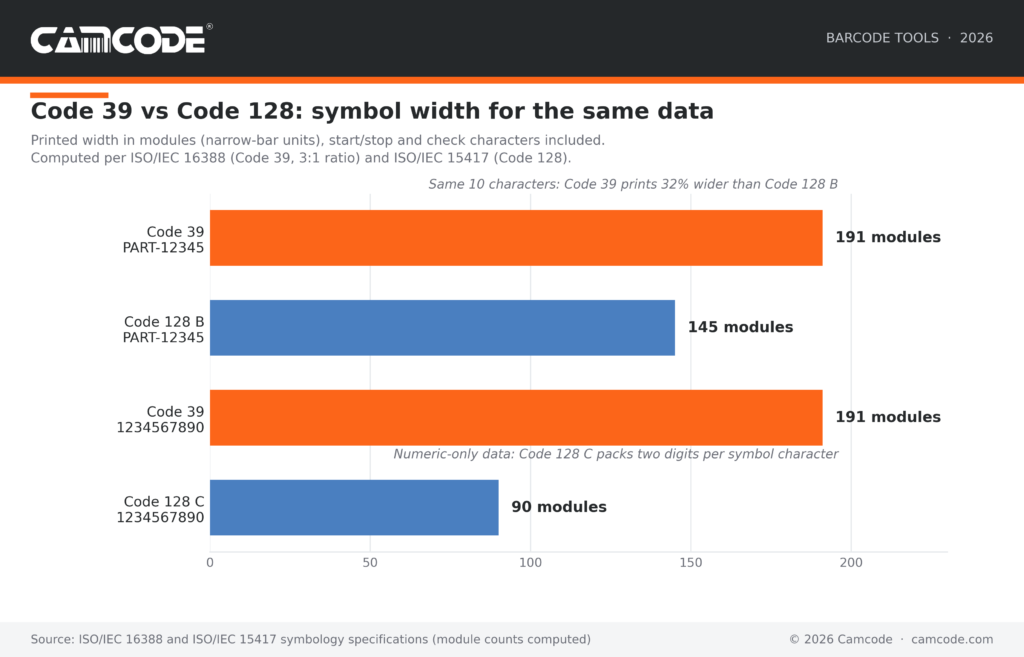
Code 39 prints wider than Code 128 for identical data because it spends nine elements on every character and encodes one character per symbol. Encoding PART-12345 takes 191 modules in Code 39 against 145 in Code 128, roughly 32% more label width.
On all-numeric data the gap widens: Code 128 subset C packs two digits into a single symbol character, so a ten-digit serial fits in 90 modules against Code 39’s 191.
Printing Code 39 Labels that Stay Scannable
A Code 39 barcode only performs as well as the label it is printed on. 70% of logistics operations hit barcode readability issues every week, according to 2025 GS1 US research, and the causes it names are label-side: poor print quality, inconsistent labeling and outdated scanners.
Keep the quiet zone (the blank margin at both ends) clear, print at a bar width matched to your scan distance and pick a substrate that survives the environment.
GS1 US, which manages the global barcode standards system, is blunt about where scanning problems start:
“… outdated logistics systems, fragmented labeling practices and manual processes are no longer sustainable.”
– Gena Morgan, Vice President of Global Standards, GS1 US. GS1 US press release, September 2025
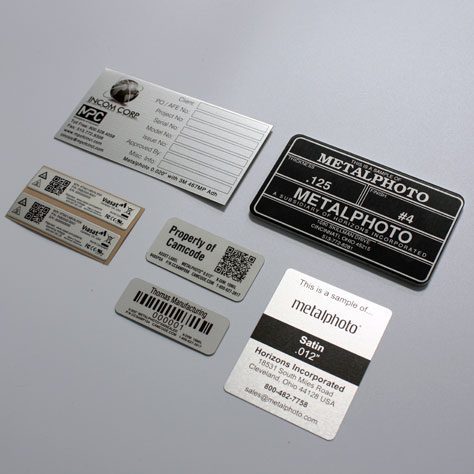
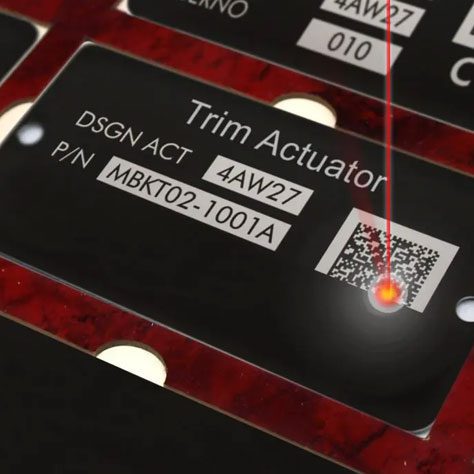
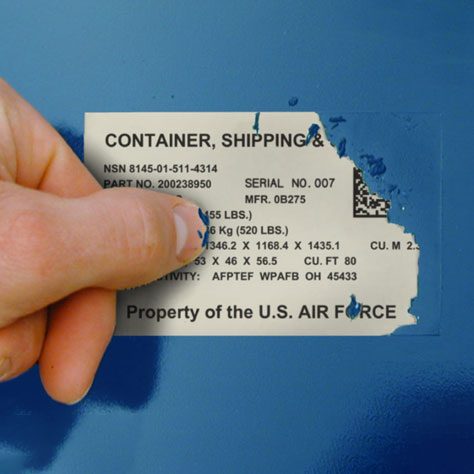
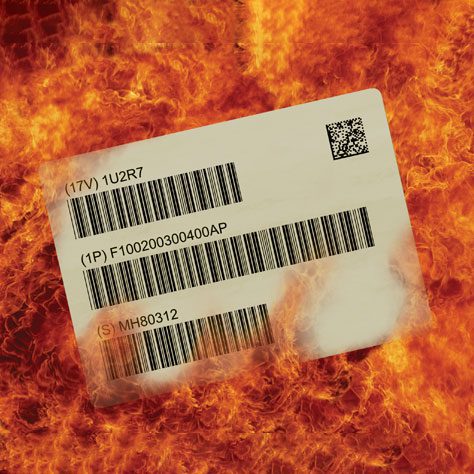
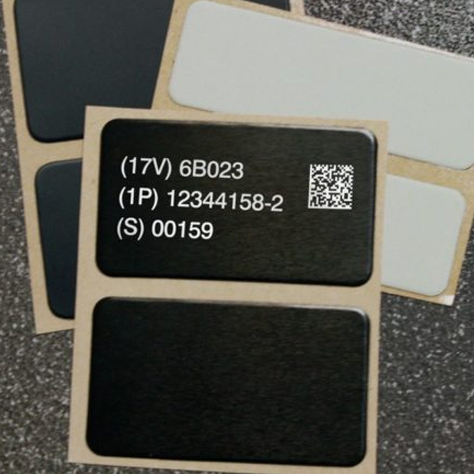
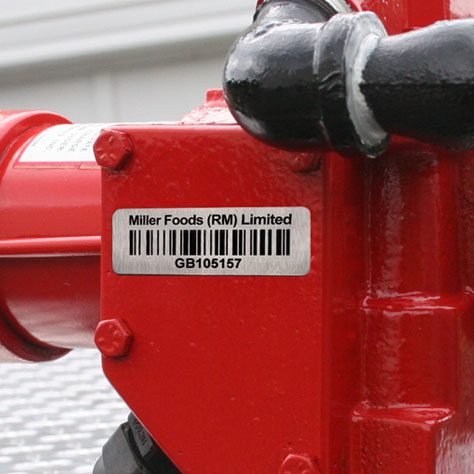
For barcodes that outlive their environment, Camcode prints Code 39 on photosensitive anodized aluminum and durable polyester, including metal barcode labels rated for harsh conditions.

Need Barcode or QR Code Labels?
Camcode is a developer and manufacturer of customized, durable asset tracking labels and automatic data capture tracking solutions for applications where permanent identification is critical. With over 50 years experience, we can create the perfect tracking solution for your asset, facility, maintenance, or warehouse management project. Contact us now to how you can start tracking better today.
A Worldwide Leader in Durable Labels
The makers of labels that go anywhere.
From your utility box to outer space, Camcode’s durable pre-print barcode labels track millions of assets and locations across the globe.
Why do you need durable labels? Camcode’s asset tags improve the efficiency of asset tracking systems by eliminating human error. Our proprietary manufacturing processes and coating technologies offer the ultimate durability for practically every application.


Asset Tags Made Specifically for Your Application
Camcode has the experience to provide the right labels for any application. Learn more about our label offerings for your industry, or Contact Us to get help from one of our experienced sales engineers now.
Get a Free Barcode & QR Code Label Sample Kit
Request a free asset label sample kit today and we will send you a kit to test our extremely durable labels in your own operating environment.
Frequently Asked Questions:
Code 39 is a linear (1D) barcode symbology that encodes 43 characters: uppercase letters A to Z, digits 0 to 9, space and seven special characters (- . $ / + %). Invented in 1974, it is self-checking and defined in the ISO/IEC 16388 standard.
It remains standard for asset tags, industrial part marking and defense labeling.
Code 39 supports 43 characters:
- Uppercase letters (A to Z)
- Numbers (0 to 9)
- Space and seven special characters: – . $ / + %.
Every barcode also begins and ends with an asterisk (*), the start and stop character, which this generator adds automatically. Extended Code 39 (Full ASCII mode) can represent the full ASCII set, including lowercase letters, using two-character pairs.
No. This Code 39 generator adds the start and stop characters for you. Code 39 marks the beginning and end of every symbol with an asterisk (*), which tells the scanner where the barcode starts and stops.
If you build barcodes with a Code 39 font instead, in Excel or Word, you must add the asterisks yourself by typing *YOURDATA* around each value. A missing asterisk is the most common reason a font-built Code 39 barcode fails to scan.
Standard Code 39 cannot encode lowercase letters. It supports only uppercase A to Z, digits 0 to 9, space and the symbols – . $ / + %.
To encode lowercase letters or the rest of the ASCII set, either use Extended Code 39 (Full ASCII mode) with its two-character pairs or switch to Code 128, which encodes all 128 ASCII characters natively in a shorter symbol.
Most scanners must have Full ASCII mode enabled before they will decode Extended Code 39 correctly.
To generate Code 39 barcodes in Excel, install a Code 39 barcode font such as Google’s free Libre Barcode 39, wrap each cell value in asterisks with a formula like =”*”&A2&”*”, then apply the barcode font to the formula column.
The asterisks are the Code 39 start and stop characters; without them the barcode will not scan. A font workflow suits long spreadsheet lists, while this online Code 39 barcode generator is faster for one-off labels: it adds the asterisks automatically and exports vector SVG that prints sharper than font glyphs.
Code 39 is self-checking: the bar-and-space pattern of each character lets the scanner catch a misprinted or damaged character without a separate checksum, so no check digit is required for general use.
Some specifications add an optional modulo 43 check digit anyway: LOGMARS (the U.S. military application of Code 39, defined in MIL-STD-1189) and the HIBC standard used in healthcare labeling both require it.
This Code 39 barcode generator produces standard Code 39 without a check digit, which any compliant reader scans.
Code 39 barcodes are commonly used in:
- Inventory and asset tracking
- Manufacturing and automotive supply chains (AIAG labeling standards)
- Government and defense applications (the U.S. military’s LOGMARS program is built on Code 39)
- Healthcare labeling systems (the HIBC standard)
The key benefits of Code 39 barcodes include:
- Simple and widely supported format
- Easy to generate and scan
- Self-checking by design; no check digit needed for general use
- Suitable for a variety of industrial uses
Code 39 has some drawbacks:
- Lower data density compared to Code 128
- Requires more space for the same amount of data
- Limited character set (unless using Extended Code 39)
Yes. To generate Code 39 barcodes in bulk, use a Code 39 barcode font with the asterisk formula in Excel, which turns a whole spreadsheet column of part numbers into scannable barcodes at once; this free Code 39 barcode generator is built for one-off barcodes with clean SVG export.
For production labeling, generating the images is the smaller half of the job: Camcode pre-prints sequential Code 39 labels on anodized aluminum and durable polyester stock that stays scannable through heat, abrasion and chemicals for the life of the asset.
Request a free sample kit or talk to a labeling specialist for volume runs.
Keep Operations Efficient with Facility Management Asset Tags
Find exactly what you need. And, if you don’t find it, build it with Camcode. Talk to our team today.