


























How to Generate a GS1-128 Barcode
Here’s how to use the free GS1-128 barcode generator from Camcode.
Follow these four simple steps:
- Confirm GS1-128 is selected as the symbology. It is preselected here; search the 27 types if you need a different one.
- Type your data as Application Identifiers in parentheses, for example (01)09521234543213(17)261231(10)ABC123, or (00) followed by 18 digits for an SSCC pallet label. The generator inserts the FNC1 start character and the separators between variable-length fields for you.
- Preview the live GS1-128 barcode and check that the human-readable line under it shows every AI in parentheses.
- Then export a print-ready SVG for your shipping label or case label artwork. For the scanner and label side of the operation, see our warehouse barcode system setup guide.
What is a GS1-128 Barcode?
GS1-128 is a linear (1D) barcode symbology that uses Code 128 bars to carry structured supply chain data defined by GS1 Application Identifiers (AIs). Here is how it works. A Function 1 character (FNC1) directly after the start code tells the scanner the symbol is GS1-128 rather than plain Code 128.
Each AI is a two- to four-digit prefix that declares what the next field is and how long it is:
- (01) means a 14-digit GTIN follows
- (17) means a six-digit YYMMDD expiration date
- (10) means a batch or lot number of up to 20 characters
A single GS1-128 symbol carries up to 48 data characters, according to GS1 US.
The symbology was introduced as UCC/EAN-128 and renamed GS1-128 in 2005, when the Uniform Code Council and EAN International merged to form GS1. Barcodes built on GS1 standards are scanned more than 10 billion times a day, per GS1 US, and GS1-128 is the format those scans meet at the dock door: it is the barcode on the GS1 Logistic Label, where the SSCC encoded with AI (00) is the single mandatory element.
GS1-128 is not a point-of-sale barcode. Checkout scanners expect a UPC or EAN and cannot parse the extra fields, so GS1-128 lives on cases, pallets, totes and shipping containers where a warehouse or receiving scanner reads it. For how it compares with the other linear symbologies, see Camcode’s complete guide to barcode types and standards.
Which GS1-128 Application Identifiers Do You Need?
An Application Identifier (AI) is the numeric prefix, shown in parentheses in the human-readable text, that tells a scanner what the data field after it means and how long it is. The GS1 General Specifications define more than 100 AIs; an SSCC pallet label or case label usually needs six or fewer.
Fixed-length AIs such as (00) SSCC, (01) GTIN and (17) expiration date need no separator. Variable-length AIs such as (10) batch and (21) serial number must be closed with an FNC1 separator when another field follows, which this generator adds automatically.
 ●CAMCODE
GS1-128 Application Identifiers
Fixed fields need no separator. Variable fields are closed by an FNC1 separator when another field follows; this generator adds it for you. One GS1-128 symbol holds up to 48 data characters.
| AI | Field | Format | Length | Where it appears |
|---|---|---|---|---|
| (00) | SSCC (Serial Shipping Container Code) |
18 digits | Fixed | Every pallet label; the one mandatory element on a GS1 logistic label |
| (01) | GTIN of the trade item |
14 digits | Fixed | Case labels for a single product |
| (02) | GTIN of contained items |
14 digits; always paired with (37) | Fixed | Mixed or multi-unit logistic units |
| (10) | Batch or lot number |
Up to 20 characters | Variable | Food, pharma and recall traceability |
| (11) | Production date |
YYMMDD, 6 digits | Fixed | Perishables, raw material intake |
| (17) | Expiration date |
YYMMDD, 6 digits | Fixed | Perishables, pharma |
| (21) | Serial number |
Up to 20 characters | Variable | Serialized units, returns, warranty |
| (30) | Variable count |
Up to 8 digits | Variable | Variable-measure trade items |
| (37) | Count of contained items |
Up to 8 digits | Variable | Always with (02) |
| (3102) | Net weight, kg, two decimals |
6 digits (12.50 kg = 001250) | Fixed | Catch-weight meat, produce |
| (400) | Customer purchase order number |
Up to 30 characters | Variable | Retailer routing guides |
| (410) | Ship-to GLN |
13 digits | Fixed | Cross-dock and distribution center routing |
| (420) | Ship-to postal code |
Up to 20 characters | Variable | Parcel and carrier labels |

Need Barcode or QR Code Labels?
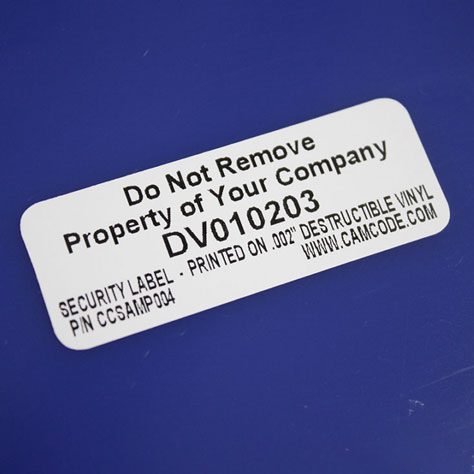
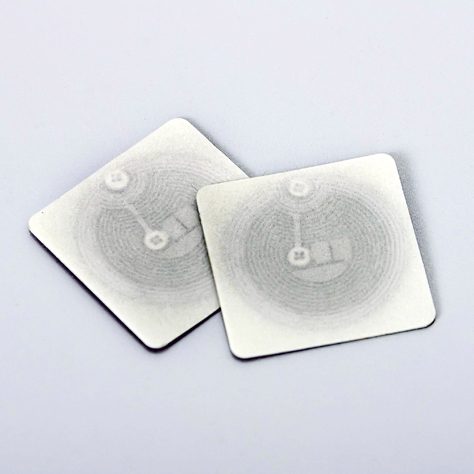
Camcode is a developer and manufacturer of customized, durable asset tracking labels and automatic data capture tracking solutions for applications where permanent identification is critical. With over 50 years experience, we can create the perfect tracking solution for your asset, facility, maintenance, or warehouse management project. Contact us now to how you can start tracking better today.
A Worldwide Leader in Durable Labels
The makers of labels that go anywhere.
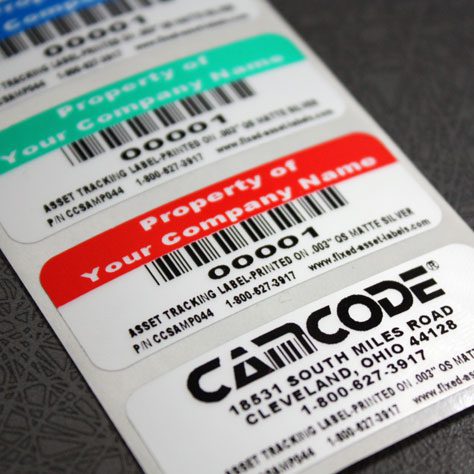
From your utility box to outer space, Camcode’s durable pre-print barcode labels track millions of assets and locations across the globe.
Why do you need durable labels? Camcode’s asset tags improve the efficiency of asset tracking systems by eliminating human error. Our proprietary manufacturing processes and coating technologies offer the ultimate durability for practically every application.


Asset Tags Made Specifically for Your Application
Camcode has the experience to provide the right labels for any application. Learn more about our label offerings for your industry, or Contact Us to get help from one of our experienced sales engineers now.
Get a Free Barcode & QR Code Label Sample Kit
Request a free asset label sample kit today and we will send you a kit to test our extremely durable labels in your own operating environment.
Frequently Asked Questions:
GS1-128 is a linear barcode that encodes GS1 Application Identifiers in Code 128 bars, flagged by a leading FNC1 character. Formerly called UCC/EAN-128, it carries structured data such as the SSCC, GTIN, batch number and expiration date on case and pallet labels, and holds up to 48 data characters per symbol.
GS1-128 supports structured data such as:
- Product identifiers (GTIN, AI 01)
- Batch or lot numbers (AI 10)
- Expiration and production dates (AIs 17 and 11)
- Serial numbers (AI 21)
- Shipping and logistics information (SSCC, AI 00; ship-to GLN, AI 410; purchase order, AI 400)
GS1-128 barcodes are used wherever a case or pallet is scanned by a trading partner:
- Retail distribution centers: Walmart, Target, Amazon and grocery wholesalers require GS1-128 shipping labels with an SSCC
- Third-party logistics warehouses and cross-docks
- Food and beverage traceability, including lot and date capture under FSMA 204
- Healthcare and pharmaceutical supply chains
- Manufacturing raw material intake and work-in-process labeling
GS1-128 vs Code 128: the difference is the data rules, not the bars.
- Code 128 is a general-purpose symbology that encodes any ASCII text with no rules about what the text means.
- GS1-128 uses the same Code 128 bars but adds two things: a Function 1 character (FNC1) right after the start code, which flags the symbol as GS1 data, and Application Identifiers that declare each field, for example (01) for a GTIN or (00) for an SSCC.
Any Code 128 scanner can read a GS1-128 symbol as text, but only GS1-aware software can split it into fields.
Use plain Code 128 (make one with our Code 128 barcode generator) for internal asset or bin labels; use GS1-128 when a retailer, distributor or regulator asks for GS1 data on a case or pallet.
Yes, GS1-128 requires:
- Correct use of Application Identifiers
- Proper data structure
- Use of a FNC1 separator for variable-length fields (this generator adds it for you)
Incorrect formatting may result in unreadable or invalid barcodes.
An SSCC pallet label carries the Serial Shipping Container Code, the 18-digit GS1 identifier for one logistic unit such as a pallet, case or tote, encoded in GS1-128 with Application Identifier (00). The 18 digits are an extension digit, your GS1 Company Prefix, a serial reference that fills the positions up to 17 digits and a modulo 10 check digit.
Every SSCC must be unique, so never reuse one for a second shipment. To make an SSCC-18 barcode here, select GS1-128 and enter (00) followed by the 18 digits, (the generator does not validate the check digit, so verify it first).
The GS1 Logistic Label Guideline makes the SSCC the single mandatory element on every pallet label.
Excel cannot generate a valid GS1-128 barcode with a plain Code 128 font, because the FNC1 character has no keyboard equivalent and a standard Code 128 font has no way to insert it.
To create GS1-128 barcodes in Excel you need a GS1-128 font package with an encoder function, such as the IDAutomation GS1-128 fonts, or a label design application such as BarTender, NiceLabel or TEKLYNX that builds the symbol from your spreadsheet columns.
For one-off labels, this free online generator handles the FNC1 and the separators automatically: enter the AIs in parentheses and export an SVG.
GS1-128 barcode format and size rules for general distribution: GS1 specifies an X-dimension (narrowest bar width) between 0.495 mm and 0.94 mm, with 0.495 mm recommended, a bar height of at least 31.75 mm (1.25 inches) and a quiet zone of at least 10 X on each side.
The whole symbol, quiet zones included, should not exceed 165.1 mm (6.5 inches). Data is limited to 48 characters per symbol, so split longer data across two GS1-128 barcodes.
Set Barcode Height to 32 mm or more in the generator above before you export.
You can generate a GS1-128 barcode without a GS1 membership, but the numbers inside it must be licensed before a retailer will accept it. The GTIN in AI (01) and the SSCC in AI (00) both contain a GS1 Company Prefix, which you license from GS1 US or your national GS1 member organization. Internal-only labels can use any numbers; anything that ships to a trading partner should carry a licensed prefix.
This free GS1-128 generator tool is built for one-off barcodes.
To generate GS1-128 barcodes in bulk, use a label design application (BarTender, NiceLabel, TEKLYNX) or a GS1-128 font package connected to your spreadsheet or ERP export, so the SSCC serial reference increments automatically and never repeats. For pre-printed, serialized pallet or rack labels in volume, Camcode prints the full sequence with verified check digits.
Keep Operations Efficient with Facility Management Asset Tags
Find exactly what you need. And, if you don’t find it, build it with Camcode. Talk to our team today.