














AI for Asset Tracking: Why Labels and CMMS Come First



Fortune Global 500 manufacturers now lose a combined US$1.4 trillion annually to unplanned equipment downtime (as of 2024), which works out to roughly 11% of their revenue, up from 8% in 2019, according to the Siemens 2024 True Cost of Downtime report. Most of those manufacturers are already buying AI tools to fix the problem. Most of them are not seeing the returns they expected.
Most of the time, the problem isn’t the AI. It’s the underlying foundation beneath the AI. Predictive maintenance algorithms can’t predict failures on assets they can’t reliably identify. Anomaly detection can’t flag anomalies when half your meter readings are keyed in against the wrong machine. Benchmarking across sites breaks down when two facilities use different SKUs for the same part.
AI for asset tracking only works if two prerequisites are met. Both have little to do with the model itself. Unique, durable identifiers you can scan on every critical asset is the first. A centralized CMMS (computerized maintenance management system) to convert those scans into organized maintenance data is the second. If you get both of these things right, AI can provide measurable ROI. Skip either and your AI initiative stalls during pilot.
This guide explains what labeling and CMMS contribute as the foundation for AI in asset management, what AI is actually able to do once that foundation is in place and how to build it in the right order.

AI for asset tracking leverages machine learning, computer vision and predictive modeling to derive insight from data captured on physical assets via QR codes, RFID tags, IoT sensors and GPS. Ask any maintenance director who has attempted to implement one of these solutions in the past two years and I will show you the four types of failures they experience time and time again.
Not a single one of these is an AI problem. They are foundation problems. Each one stems from either the physical layer (an asset that can’t be uniquely identified at the point of work) or software layer (a CMMS that doesn’t enforce one trusted record per asset).
The largest community college district in California learned this lesson the hard way. They started using AI for asset tracking, but kept running into problems because their asset register wasn’t ready for AI. They decided to rebuild their asset register from the physical layer up. The full case study is here, which illustrates why the foundation matters more than the model by comparing the before and after numbers.
The clearest way to show you the difference is at the technician level. Here’s the same maintenance request submitted in one of two ways depending on if the foundation exists:
| Step | Without the Foundation | With Labels + CMMS |
| Find the asset | 5 minutes | 2 seconds (scan) |
| Identify the asset | 3 to 5 minutes | Included in scan |
| Locate the relevant documentation | 5 to 10 minutes | 3 seconds |
| Pull the relevant maintenance history | 5 to 10 minutes | Included |
| Begin maintenance work | 20+ minutes lost | Under 1 minute total |
The QR-driven side doesn’t win because the scanner zips around. It wins because that scan definitively resolves identity once, then cleanly inputs structured data directly into the CMMS where AI can operate on it.
Two things have to be true before any AI feature in this category produces value. First, that asset needs to be uniquely and reliably identifiable in the real world. Second, every interaction with that asset needs to populate a single source of truth. Asset labels make first requirement true. A CMMS makes the second requirement true.
McKinsey forecasts generative AI alone could contribute US$275-$460 billion in annual value to global manufacturing and supply chain operations. To realize any portion of that value stream you must meet both prerequisites. Miss one and your model has nothing to train on. Miss both and “AI for asset management” is merely a bullet point on a sales deck.
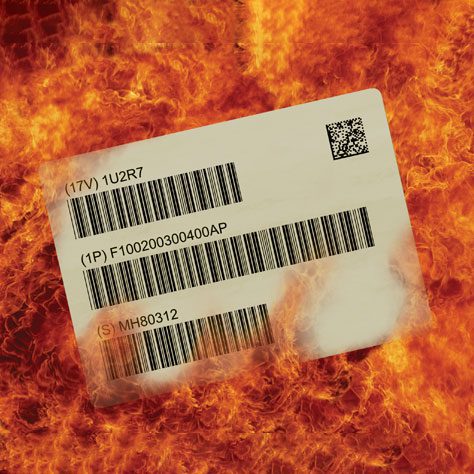
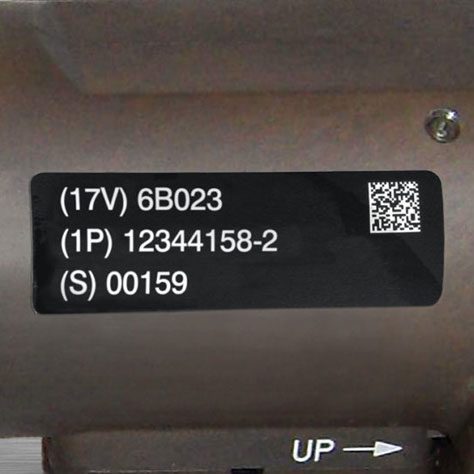
A durable asset label is the foundation for every AI-powered feature in maintenance. It’s the physical link between what exists on the floor and the digital record the model learns from. With the right label, AI sees high-quality data. Without it, AI is just guessing.
There are five label specifications that determine if that bridge will be sturdy.
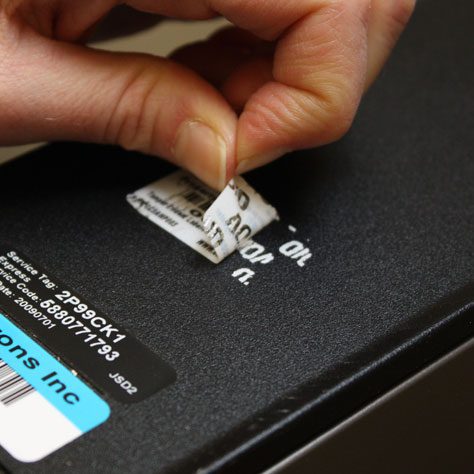
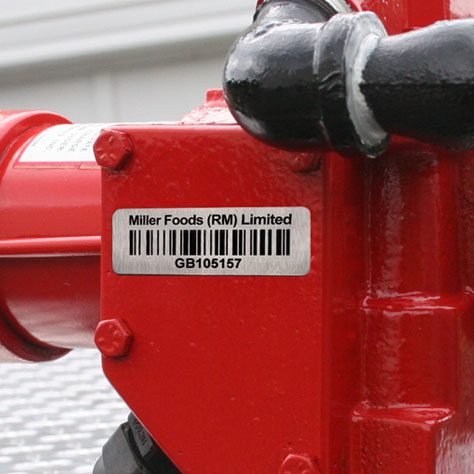
Labels adhere to all sorts of surfaces (steel, painted metal, plastic, glass, rubber). Each surface requires different label materials and adhesives (or other attachment methods). A label that adheres well and scans cleanly on a steel rail might bubble up on a painted cabinet, or peel off of a rubber hose within days. When scans fail, your AI inputs are degraded in a very specific way. Technicians give up on scanning and revert to manual data entry; Now your model is learning from stale or incorrect data.
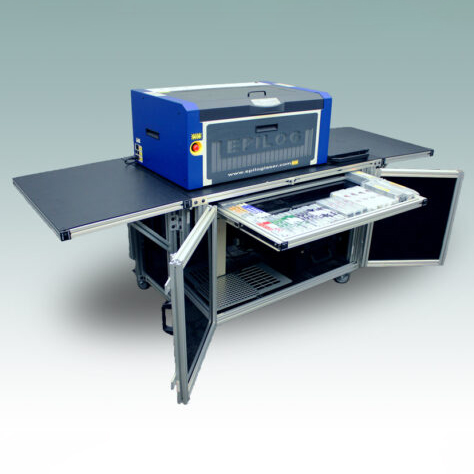
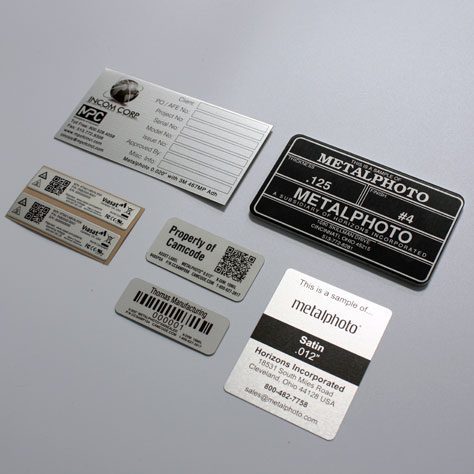
Metalphoto® photosensitive anodized aluminum lasts 20+ years in outdoor environments and resists abrasion, UV, solvents, and temperature extremes that fade typical polyester labels in months. Think about what label material means for an AI model. The label is what protects the training signal from the outside world. If your label fades in two years you force an equipment relabel that destroys asset history and creates duplicates. Worse yet, you force your model to relearn from an entirely new dataset.
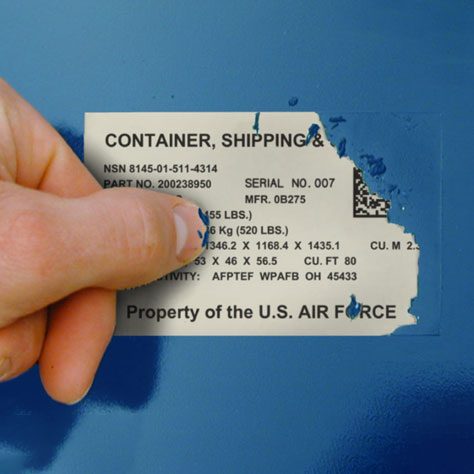
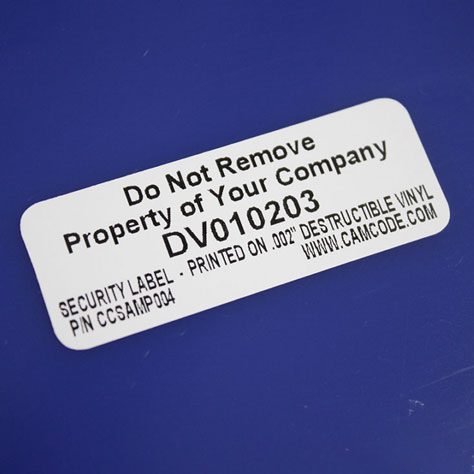
Bond strength ranges from adhesive formulations rated for minus 40 degrees Fahrenheit to those that can endure environments exceeding 400 degrees Fahrenheit. Extreme conditions may require mechanical fastening with rivets or screws. Damaged or dislodged asset tags are the primary contributor to orphaned work orders. An asset that loses it tag becomes a phantom in the AI model. Instead of recognizing a known good unit, it detects a failure with no history.
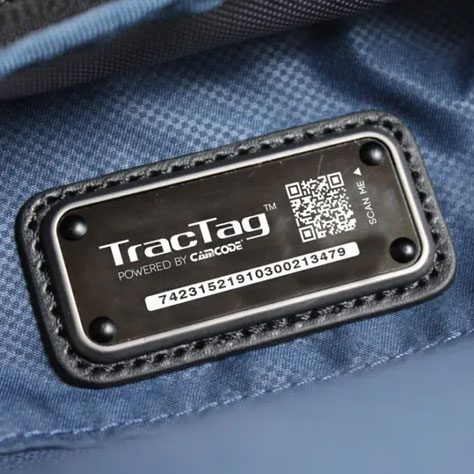
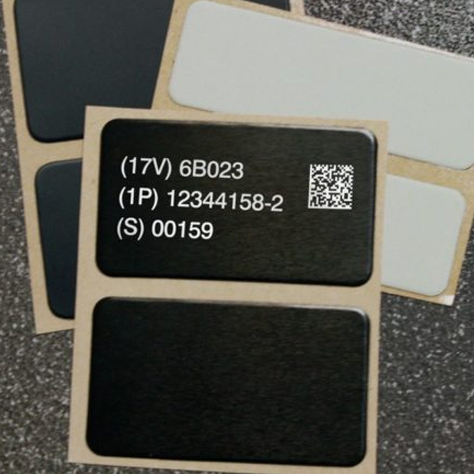
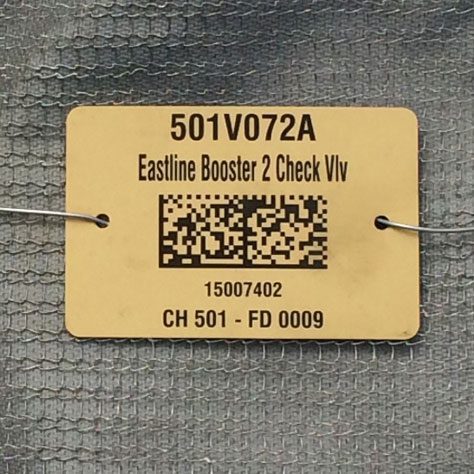
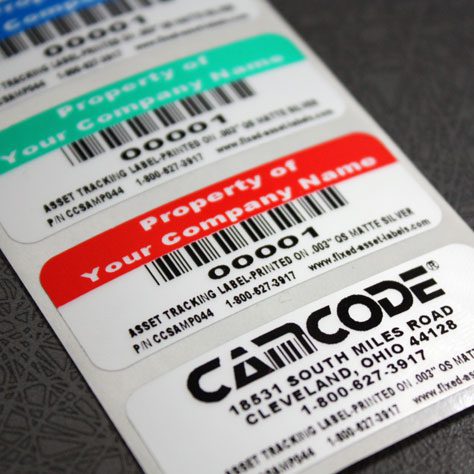
All labels must include at least one primary identifier (usually a QR code), Code 128 fallback for legacy scanners, human-readable asset ID, P&ID location and company contact info. Ensure one label size per asset class so technicians and cameras know what to look for. AI features (anomaly detection, procedure routing, etc.) rely on consistent ID presentation. Variation in labels = variation in training data.
Tagging doesn’t have to apply to every asset in your facility. Divide assets into logical groupings based on criticality, dollar value and service-record requirements. Begin with assets that have the biggest impact on uptime: HVAC units, motors and pumps, conveyors, generators, presses, and other critical specialty equipment. These are assets where you’ll realize the greatest benefit from AI-powered asset tracking. Concentrating your foundation efforts on these critical assets will yield the quickest ROI.

A CMMS is the software layer that transforms scans, sensor readings and work orders into structured maintenance data. It’s the dataset on which the AI actually trains. A unified CMMS is required because AI models will not learn from contradictory sources of truth. They need one trusted source of truth.
If every technician at every location enters work into the same CMMS against the same asset ID, the AI has something to learn from. If work is entered in spreadsheets, on paper logs, via email and three different legacy software platforms, then the AI will either ignore most of your data or just train on noise. One trusted record per asset is step one.
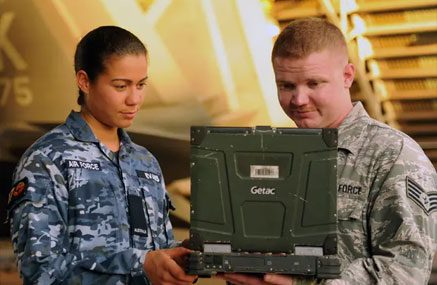
The majority of actionable maintenance information does not come from sensors. It comes from technicians who provide data such as vibration readings, oil samples, visual inspections, parts installed or removed and time spent on task. A CMMS built for mobile workers makes data capture easy with mobile-first scanning, voice-to-text work orders and procedure templates that guide your technicians to enter the right information every time. AI can’t interrogate a sensor about what the technician observed. It can only infer from the data captured while working.
If AI can only predict, that’s just a dashboard. When CMMS integrates cleanly with ERP, EAM, SCADA and IoT platforms, it gives AI the hooks it needs to automatically trigger work orders, route parts and assign techs. Without hooks in the integration layer, AI can surface insights, but the maintenance team will need to manually turn that info into work. And that’s where most pilots fail quietly.
Now that you have durable labels on the asset level, and a single CMMS unifying everything in the software layer, the AI stuff that vendors keep pitching actually starts to click. Seven specific applications will drive the majority of measurable returns within maintenance and operations teams in 2026.
Predictive maintenance analyzes trends in data from CMMS work history, sensors, and inspections to predict failure before it occurs. Increased vibration on a motor. A slowly rising temperature on a bearing. A gradually changing amp draw on a pump. The AI model recognizes the pattern that has historically lead to failure. When the trend matches during the next scan or reading, the system alerts technicians and creates a work order prior to failure. Research conducted by Deloitte on predictive maintenance technology showed decreases in downtime by up to 50% and increases in equipment availability by 10-20% when moving from reactive to predictive maintenance processes for critical equipment.
For critical assets where temperature, humidity, vibration or pressure determine product quality (cold-chain freezers, server rooms, calibration equipment, food-grade tanks), AI analyses sensor data against acceptable bands 24/7. Alerts notify if readings fall out-of-range before product or equipment is impacted. Scan-triggered inspection rounds allow for human verification where sensors aren’t available.
Movement anomalies are detected when high-value mobile assets exhibit uncharacteristic movement. AI watches location and scan data to identify when assets move outside the normal pattern of behavior. A piece of test equipment exiting the calibration area after hours. A forklift battery appearing at a site two locations away. A generator that hasn’t been scanned in 90 days. These are surfaced before someone realizes the asset is missing.
Pattern matching over scan and movement history can illuminate shrinkage. These are typically outliers such as abnormal check-out patterns, multiple short duration scans of assets that should not be moving, or assets that have suddenly stopped scanning altogether. Loss prevention efforts alone can often recoup the cost of labeling and your CMMS investment in industries such as construction and healthcare.
Today’s CMMS platforms can upload manufacturer PDFs or keyed instructions and create standardized, digital procedures in seconds. Built-in engines will summarize completed work orders, transcribe technician notes from voice recordings and surface the correct SOP on the correct asset at scan time. It’s this level of technology that eliminates knowledge loss when technicians retire.
AI anticipates which spares will soon be needed and where, based on scanning history and work order trends/parts usage by site. It initiates reorders before you run out and knows which sister facilities have surplus stock to borrow from. Teams that consistently use this report significant reductions in expedited shipping expenses.
AI benchmarks performance between facilities for multi-site operators. Metrics analyzed include MTTR, MTBF, work order completion rates and parts spend per asset. AI identifies which facility is performing the best, isolates what they are doing differently and assists with rolling those SOPs across the remaining facilities. It can also recognize which facilities are drifting from standard before the drift escalates to an incident.
The trends we see across teams who take the time to fix labeling and CMMS first, then turn on AI features are consistent. under control before turning on AI functionality are universally similar. Here are some MaintainX customer outcomes from the FM’s Guide to AI-Powered Maintenance at NFMT 2025:
These aren’t pilot numbers. This is what happens when durable identification and a single source of CMMS truth are established, then AI is allowed to do its thing with clean data.
The trap most teams fall into is buying the AI before building the foundation. The order matters more than the speed.
Classify assets based on criticality, dollar value and service-record requirements. Begin with assets that are your uptime engines. Standardize on one tag size, material spec, and attachment method per asset class. Define materials based on environment (Metalphoto® for harsh industrial, premium polyester for indoor, anodized aluminum for outdoor utility). This prerequisite work dictates whether everything downstream has clean inputs.
Select a CMMS and stick to it. Port legacy history records into it. Normalize asset identifiers to match new tags. Clean duplicates. Verify history imports cleanly. Many teams gloss over the data hygiene effort involved in this step. That’s why the Plant Engineering benchmarking guidelines for planned vs. unplanned preventive-maintenance work ratios can be a helpful rule of thumb to validate that you’ve done the foundation work. If you aren’t seeing the majority of work show as planned in the new CMMS within two quarters, the groundwork wasn’t finished.
After you deploy labels so the CMMS is your single source of truth, allow the dataset three months to populate. After that point, you can turn AI features on. Predictive maintenance, anomaly detection, and procedure generation all require some baseline of clean history to generate worthwhile results. The teams that see a return on their AI investment are the ones that give this process the necessary time.
AI for asset tracking is the use of machine learning, computer vision and predictive modeling on data collected from physical assets through QR codes, RFID, IoT sensors or GPS. It centralizes that data in a CMMS or enterprise asset management platform and uses it to predict failures, detect anomalies, generate procedures and optimize parts and labor.
Because AI models learn from the data that labels and a unified CMMS provide. If there is no consistent, reliable, scannable ID at the asset level to uniquely identify each unit, the model has no dependable method of matching readings, work orders, or sensor data to the correct piece of equipment. If there is not a centralized CMMS, then the model is learning from disjointed and often conflicting entries. AI features won’t produce any returns until both of these prerequisites are set in place.
No. Durable QR labels + a modern CMMS is the minimum viable foundation. Those two alone create enough structured data for predictive maintenance, parts forecasting and cross-site benchmarking. Install sensors when the ROI is clear (i.e., when you have a specific use case like condition monitoring of a critical asset).
GPS tells you where an asset is. AI for asset tracking tells you what is about to happen to it, what to do about it and who should handle it. GPS is one input channel into AI. It’s not a substitute.
Look for CMMS vendors and asset tracking platforms that encrypt data in transit and at rest, offer role-based access permissions, and comply with SOC 2 or similar standards. Check the vendor’s certifications and ensure where data will be stored before onboarding.
Measure MTTR, MTBF, unplanned downtime hours, work order completion rate, planned vs. reactive maintenance ratio and parts spend per asset. Capture a baseline before you begin and recalculate monthly. Most organizations will see noticeable trends within two quarters of normalized data entering your system.
Choose one facility. Tag your top 50-100 critical assets with durable labels. Move maintenance history into a CMMS. Operate for 3 months to validate your base. Then turn on AI capabilities and expand to other facilities.
Our sales engineers are experts in automatic asset tracking, tagging and identification, and can answer all your questions. Get in touch now.
Lets Talk ›